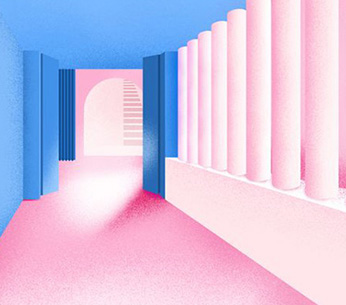
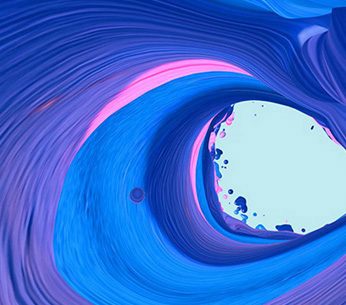
Inspiration application of works collection: how to apply the "diffuse light" effect? Hello everyone, here is the inspiration source of overseas teachers of natural light art. Today, I would like to talk to you about what is the diffuse light feeling in the works and how to apply this visual effect in the works! In the works collection, "diffuse light sense" usually refers to a visual effect formed by gradual fading of color. It uses the transition of colors and blurry borders to create a combination of virtual and real, light effect. This design technique can make the picture more mysterious and romantic, and also help enrich the monotonous picture, create the memory point of the product, and optimize the information hierarchy.
The formation of diffuse light sense is generally gradual from monochrome or multi-color blur. If the two blur effects are superimposed together, a more subtle hue change will occur, and the visual details will increase accordingly. This design style is widely used in UI interface, graphic design, marketing activities and other fields.
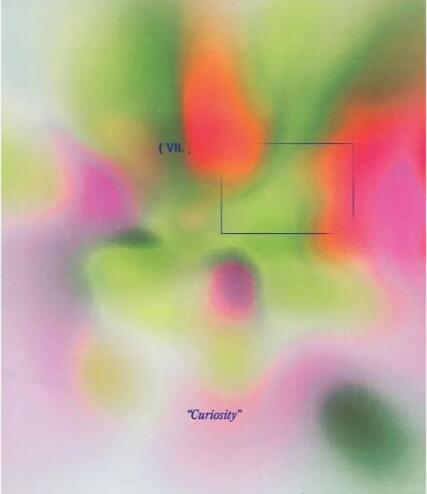
In addition, in optics, diffuse light refers to the light emitted from the light source and scattered or diffused. This light is usually considered as a state of "dispersion" or "diffusion". However, in the field of design, diffuse light perception refers more to the above color gradient blurring effect.
stay Production of overseas works To achieve the visual effect of "diffuse light" in, you can complete the following steps:
1. Select the appropriate tool: First, you need to select a tool suitable for creating diffuse light perception. Common design software such as Adobe Ps, Air, etc. have the function of creating this effect
2. Create a basic shape: create a basic shape on the canvas, such as a circle, ellipse or rectangle. This shape will serve as the starting point for your diffuse light sense
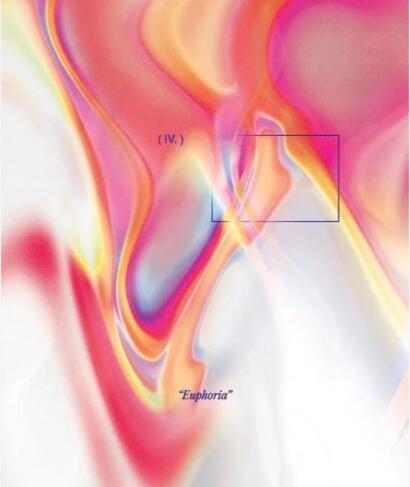
3. Apply gradient effect: Apply gradient effect to the basic shape. You can choose a color gradient from the center to the edge, or use multiple color gradients to create more complex effects. Ensure smooth and natural transition of gradient
4. Obfuscation: Next, blur the shape. In Ps, you can use the "Gaussian Blur" filter to achieve this effect. Adjust the blur radius so that the edges of the shape become soft and glow
5. Adjust the color and transparency: adjust the color and transparency of the shape as needed. You can try different color combinations and transparency settings to achieve satisfactory results
6. Copy and overlay effect: copy and overlay the processed shapes together to create a richer diffuse light effect. You can adjust the size, position and transparency of each shape to obtain the desired sense of hierarchy
7. Add details and decoration: finally, add some details and decoration as needed to improve your diffuse light effect. For example, you can add some light spots or light spots around the shape to enhance the light effect
Please note that the above steps are only one of the ways to achieve diffuse light perception, and the specific methods may vary depending on personal preferences and tool choices. You can adjust and innovate according to your needs and creativity.
How to do photography collection? Production process of photography overseas works collection
This article belongs to the original article of Natural Light International Art Education Team. Without permission, it cannot be reproduced commercially in any form. If it is found, it must be investigated for legal responsibility.