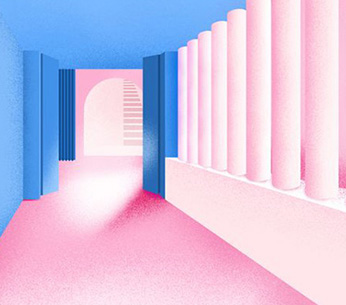
Photoshop, a basic course of art study abroad software, has improved its skills, and SketchUp, a black technology "sketch master", has played 3D modeling with zero basis, so that your art study abroad collection idea can jump from 2D to 3D, and you can be an artist who can model buildings on the top and paint dreams on the bottom. This is the natural light art study abroad Photoshop+SketchUP software skills course.
Whether you study pure art or applied art; Is your dream a photographer or an architect; Is the collection realistic or dreamy; In this AI era, we must have the help of software. This time, we specially prepared 6 selected courses * 2 sessions , enabling you to start from scratch and face PS calmly, SU。

As far as you can see, it may be beautiful photos or posters. Even the spring tide on the flat ground has passed through the hands of PS, and now it has ushered in Sketchup, a 3D modeling aid software, which makes your work conception jump from 2D to 3D, so that you can be an artist who can model buildings and paint dreams, and study in this issue of natural light art Photoshop+SketchUP Software Skills Course 。
In 6 days, you can master two major software and different design systems at the same time to add luster to your collection of works. All these possibilities come from the careful arrangement of the teacher. Let's warm up in advance and have a look.
Photoshop+SketchUP Software Skills Course
*Course content * - PS
Under the leadership of Mr. Zhang, starting from the installation and unloading of PS, we will really teach you to step into the magical territory of professional drawing.
After working interface and simple operation/basic operation of commonly used editing commands/concept of selection area/making graphics/student copying, you will be taught to master a series of skills such as color, filter, layer, mask and channel, and then you will make your own, including highly targeted training such as repairing pictures, and finally achieve from scratch, making your own pictures, And posters with full sense of design.
In this process, Mr. Zhang will not only teach the essence of PS design, but also provide one-on-one guidance on the development direction and creative style of different students.
*Course content * - SU
As a simple and practical 3D modeling software, SketchUp has long been favored by designers. This software, which is called "Sketch Master" in Chinese, is very simple on the surface, but actually it is a tool for conceiving and expressing with surprising powerful functions.
Still led by Mr. Zhang, in the two-day course, from basic knowledge introduction/familiar interface/command explanation and application/basic process of production/preliminary practice/case development/production process and idea analysis/CAD processing and combining with sketch master/
Then rise to a new height at the level of mastering basic knowledge, and start to practice real cases of design like PS courses, such as site production/building volume/detail deepening (doors, windows, steps, stairs, roofs, etc.)
Finally, according to the different situations of each student, guide a complete work, and use more exercises to thoroughly grasp the core of 3D modeling, so that you can have a broader vision of your own work set direction.
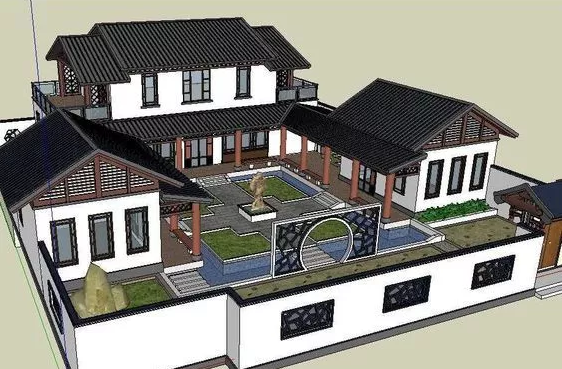
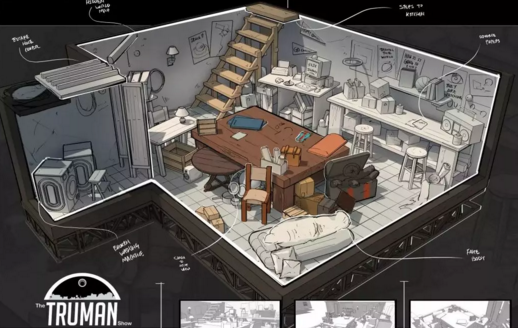
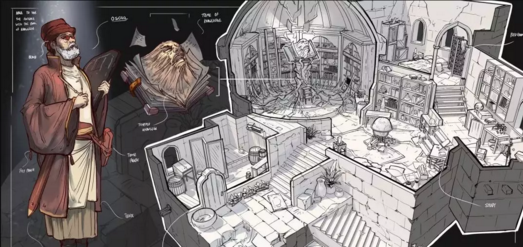
These two courses are not unrelated independent systems. The reason why they are put together is the unique consideration of teachers. In this popular trend of interdisciplinary and interdisciplinary art study abroad, learning to integrate can make your works outstanding. For example, Singapore concept artist Jian Zhi (Jay) Ng combined SU and PS to produce a series of fashionable art works.
Photoshop+SketchUP Software Skills Course Highlights:
*Start from scratch*
To avoid the embarrassment of students with different foundations and different short boards, there is no threshold for this course, so you can master it in the most grounded way.
*Whole process tracking guidance*
Strictly control the number of students, so that teachers can be proficient in teaching, so that students can master skills with the highest quality in their own practice and constant correction, have more discussion, and have more free space to play, and make professional adjustments according to different situations of students.
*Two pronged approach*
At the same time, I master two kinds of multi angle design software from plane to three-dimensional, and have two more helpers in the skill base, laying a solid foundation for my leap.
*Multidimensional combination*
Inspire more by breaking the dimensional barrier Collection of Art Studied Abroad The creativity of your work collection is endless.
Basic Course of Software for Studying Abroad in Arts
Course Arrangement - PS:
From March 2, light up your every Saturday (because the details of the course vary depending on the situation, only part of the arrangements are shown here)
Section 1: Understand the basic knowledge of Photoshop
Start with the installation of PS, and make clear the difference between its application field and bitmap, vector diagram. Grasp the meaning of pixels and image format. Be familiar with the main interface and function bar, practice basic operations, and be proficient in the use of auxiliary tools and content adjustment.
Section 2: Mastering the Basic Commands of Photoshop (I)
Many commands, including multiple ways to use tools, multiple methods to adjust the selection area, and operations such as creating, closing, and deleting contact masks, master the basic concept and operation of channels, and be familiar with the use of spot color channels. Finally, use channel synthesis photos to check the content learned.
Section 3: Mastering the Basic Commands of Photoshop (II)
In this lesson, we will enter into the basic concepts and operations of layers and learn the layer blending mode. Then you will enter the use of mask layers and layer styles. Then you will learn how to fill and adjust layers, distinguish layer style types, and be familiar with how to set parameters and the resulting effects of various layer styles. Master the production of deformed text through text input and setting, and finally learn how to set notes and make various special effect text.
Section 4: Mastering the Basic Commands of Photoshop (3)
After being basically familiar with the operation of PS, this lesson will teach how to use the path, how to create a vector mask, learn to create a vector map, master the main methods of color adjustment and tone adjustment, including the synthesis of HDR high dynamic area images, and finally learn how to use color tone adjustment to process photos.
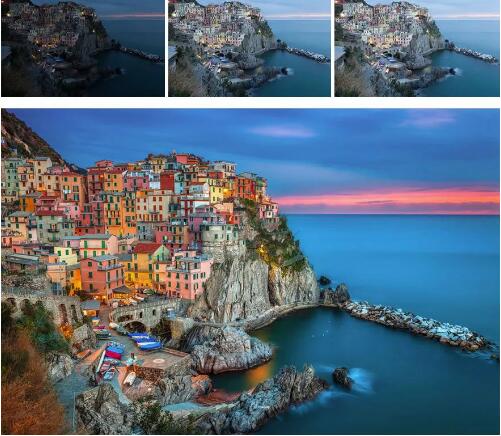
Final inspection: use what you have learned before to complete the production of illustrations and posters (real-time guidance from teachers)
Note: This course is a practical test course, and the test results and scores will be counted. However, the score is only for encouragement and has nothing to do with the collection of works.
Course content - SU:
The first module parses the command (the basic command to activate SketchUP based on the case)
Start with the basic knowledge of SketchUP, get familiar with its interface, and explain the commands of SketchUP through the way of teacher case demonstration+student follow-up+teacher guidance. Later, the use of basic commands was completed by students alone, and extended to the basic process of SketchUP production. At last, the preliminary practice was started, and the full name was tutored by the teacher alone.
The second module: case expansion (based on the more complete design drawings, conduct all-round SketchUP design and production)
In this module, Application for studying abroad in arts Students of will start from the analysis of production process and ideas, solve practical problems with CAD processing and SketchUP, and then learn the contents of site production, building volume and detail deepening. Finally, sort out and optimize your own works. In the whole process, the teacher's case demonstration+students' classroom follow-up+teacher's guidance and troubleshooting will follow up the teaching.
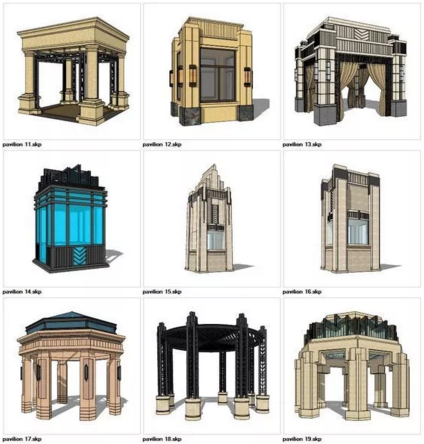
Registration details:
Time: from today to February 28, 2019
Conditions: natural light student
Number of students: 10
Location: 2703, 27th Floor, Building 17, Jianwai SOHO, Chaoyang District, Beijing
Teaching time: every Saturday from March 2 to May 25
Lecturer: Teacher Zhang, natural light software skill tutor
This basic software course for art students abroad provides SketchUp software basic course and Photoshop software basic course, that is, PS software basic course training. All natural light students can enjoy it.
More offers for studying abroad with zero foundation:
Interdisciplinary study abroad to apply for major transfer and zero foundation can still be offered by famous schools such as London Media LCC and Pratt
The interaction design of the University of Sydney, six months without foundation, and six majors in exchange for an offer from the University of Sydney?
Fashion Design Short term Course | 9 days to complete the necessary items of clothing design collection? Zero base also has a percentage success rate?
This article belongs to the original article of Natural Light International Art Education Team. Without permission, it cannot be reproduced commercially in any form. If it is found, it must be investigated for legal responsibility.